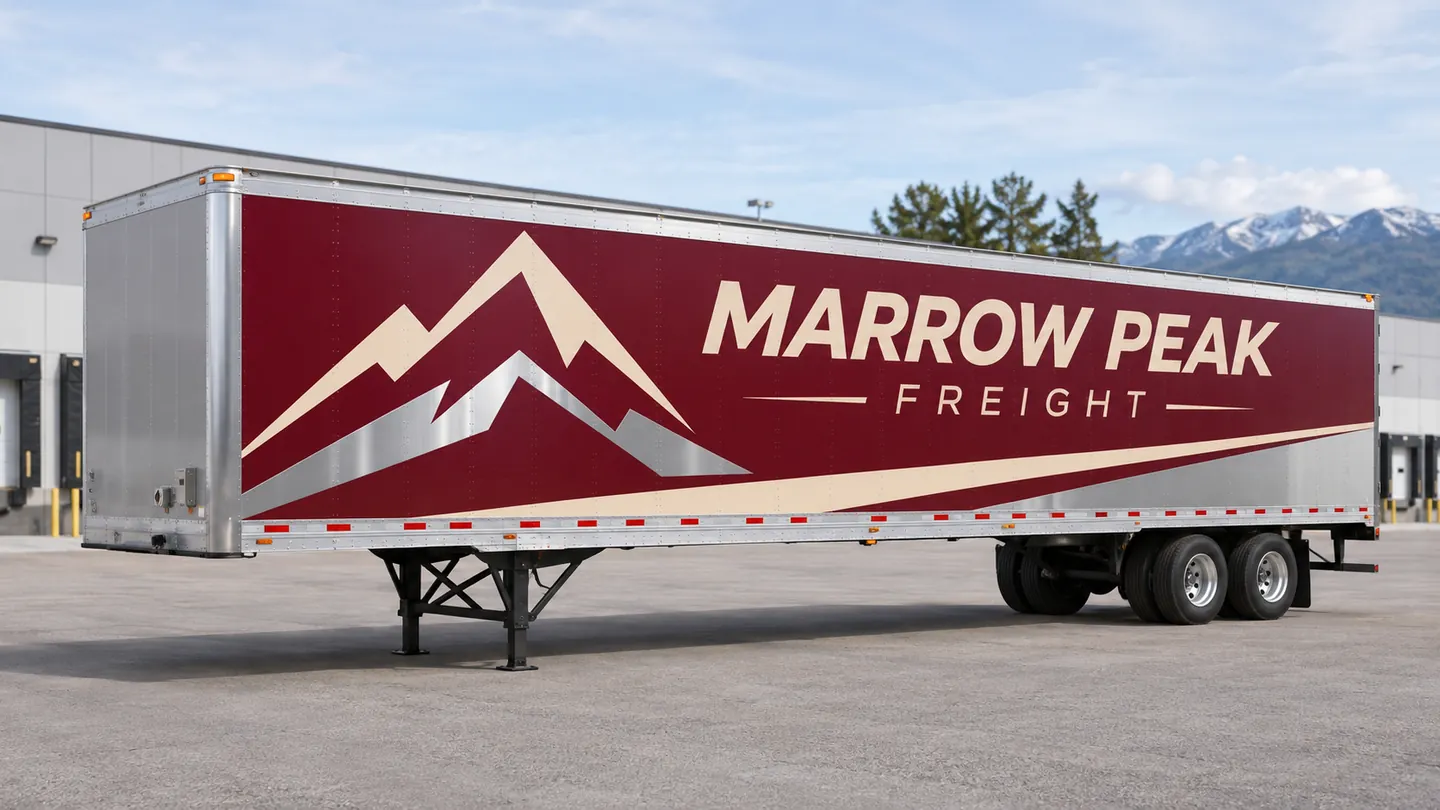
Locate the affected surface
Use the original side or door labels and include a full location image plus a closeup. Mark the proposed replacement boundary if you have one, but treat it as a request for review. A visible damaged area does not always describe the practical graphic or preparation boundary.
Explain whether body work has been completed, is planned or remains unknown. Record replaced panels, repainting and any changed hardware. The graphics supplier needs to understand the actual surface readiness rather than assume a new-looking panel can receive the earlier construction without assessment.
- Use the trailer’s established surface names.
- Pair damage details with an overall view.
- Record body repair and hardware changes.
Find the original production evidence
Supply the installed artwork revision and material record where available. Ask what original production files, color references or panel information the provider can verify. A flattened approval image may be useful for identification without being enough to reproduce the original construction.
Show adjacent graphics that remain in service and explain whether the new piece should match the installed identity or introduce an approved update. Age, exposure and production history need review when appearance matters. Do not make an automatic promise that a replacement panel will perfectly match the surrounding graphics.
- Identify the installed and requested artwork versions.
- Collect available product and production references.
- Show neighboring graphics retained in the project.
Approve and update the record
Ask for the accepted removal and replacement boundaries in writing. Keep any revised preparation, product choice or price with that scope. If a larger replacement area is recommended, ask how it relates to the body, artwork continuity or condition instead of treating it as an unexplained increase.
After handoff, update the trailer’s surface-specific record with actual installed references and care information. Use manufacturer technical sources for the exact replacement construction and retain untouched areas as their own history. The replacement guide organizes evidence; final fit, suitability and appearance still need project-specific assessment.
- Approve boundaries on a marked surface view.
- Record authorized construction or artwork changes.
- Update only the surfaces actually replaced.
Keep a working record
Before you approve the next step
- Identify the trailer and affected surface.
- Photograph damage and retained graphics.
- Record body repairs and readiness.
- Find installed artwork and product records.
- Approve removal and replacement boundaries.
- Update the surface-specific record after handoff.
Use the free planning tool to organize the details you can confirm and the questions still open.
Four questions before the next step
Can a trailer panel always be replaced separately?
The supplier needs to review body construction, artwork continuity, preparation and condition. Use the local panel as a request boundary, not as a promise about the final scope.
Read the detailed guide: Request trailer graphics replacements with clear panel references
What if original files are unavailable?
Say what evidence exists and ask the provider to scope any rebuilding or matching work. Do not present an old photo or proof as a verified production file.
Read the detailed guide: Request trailer graphics replacements with clear panel references
Are the trailer sides and doors one graphics scope?
They can be part of one project, but their actual surfaces, construction and coverage need separate description. Do not infer door treatment from the side area alone.
Read the detailed guide: Survey trailer sides and doors as distinct surfaces
Does the worksheet approve the substrate?
No. It organizes known construction and condition information. The supplier should confirm suitability and the relevant exact-product instructions for the actual surfaces.
Read the detailed guide: Survey trailer sides and doors as distinct surfaces
Original technical sources
Use the linked publisher's current instructions for the exact product and vehicle. This planning guide does not replace its application, safety or warranty requirements.